
Blocks
Blocks
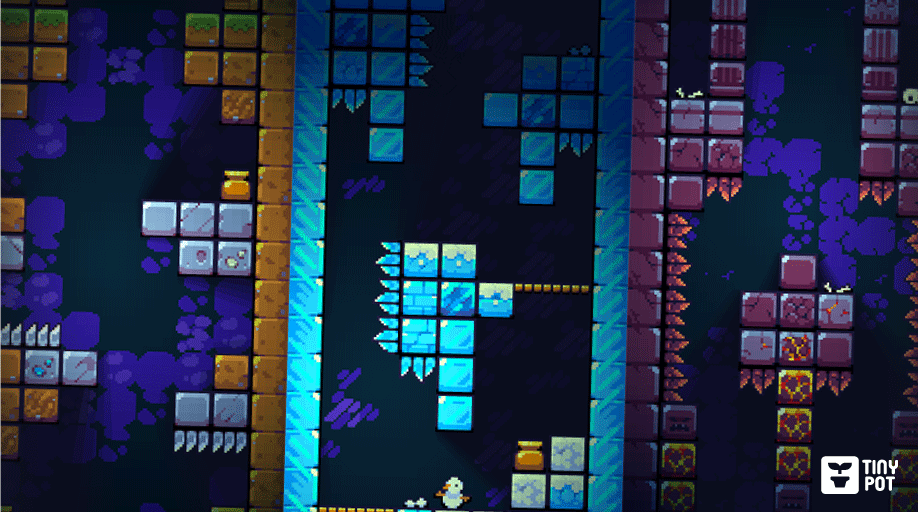
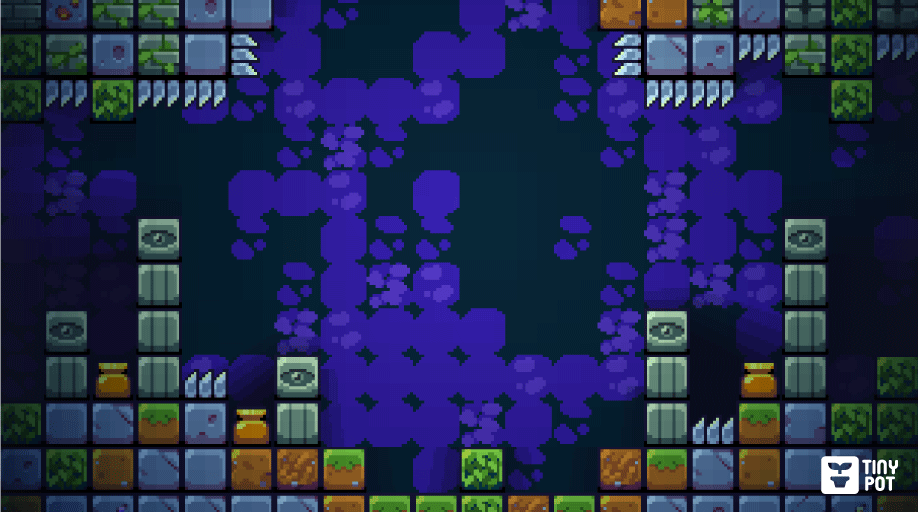
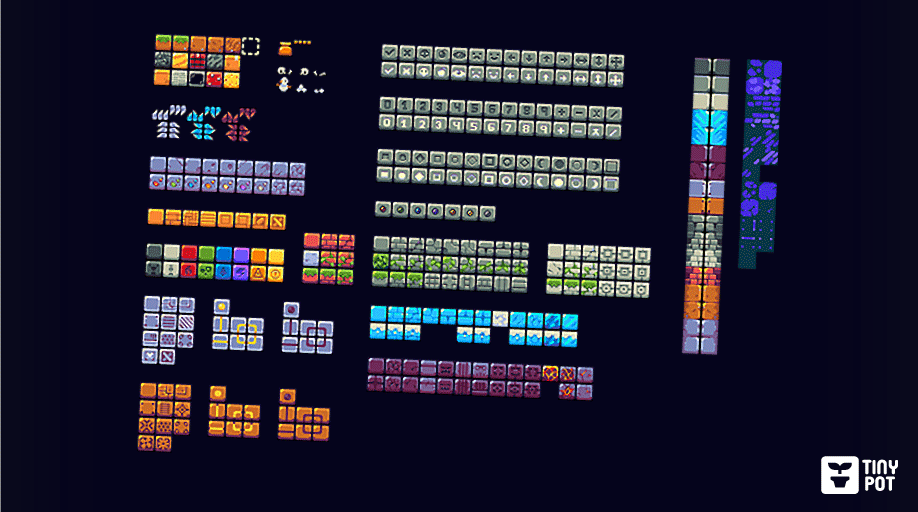
 This Game Asset includes a variety of blocks and backgrounds (16px) to create your game.
Basic:
- Around 300 blocks (Include Elements, Signs, Shapes, and Numbers)
- 7 types of walls
- 5 types backgrounds
- Spikes
- Vase
- Bridge
- Props
All tiles are based on [16x16px]
License:
- You are allowed to use or edit the assets in any project including commercial ones.
- You are not allowed to resell or edit and resell the asset to others.
Credits is not required (but it is appreciated!)
You can try the playable demo shown above!
- MOUSE to move
Purchase
In order to download this asset pack you must purchase it at or above the minimum price of $3.99 USD. You will get access to the following files:
Development log
- 15/05/2026 - v2.0 Fire and IceMay 15, 2026
Comments
Log in with itch.io to leave a comment.
MOARRRRR
MOARRRRRR
lol but seriously. these are so damn good.
https://store.steampowered.com/app/4574300/Bean_Wizard_Eviscerates_the_Gonklins/
Awesome! It's fantastic to see the asset in action.
Yes, there will be more. Probably not anytime soon, since I'm juggling this with other projects and my day job. But there will definitely be more.
❤️❤️
YEAAAASSSSSSSS
Wow, I was already satisfied with 300, now with even more sensational! I'm working on the game I mentioned to you that I really want to make, and these new blocks have given me new ideas.
These are TOP TIER.
Do you plan on making any more? Would love to pick up another set to add some variety to my game.
That's great to hear!
I plan to add more blocks, whenever I can.
I'm also open to suggestions.
I don’t mind paying for another pack!
Some ideas;
Cobblestone
Wood
Marble
Scaffolding
Ice
Mud
Do you happen to have a 32x32 version? my tiles are 12x120 and scaling them up that much is losing some quality.
I'm sorry, but right now it's only available in 16x16px.
If you change its dimensions from 16x16 → 12x120, I think it would end up looking pretty distorted given its height of 120, but I need more context...
What I could do to help you is try to create a 32x32px version that looks like this:

It would take me some time, since I'm working on other projects, but I'd definitely be willing to include it.
Let me know if you're interested. 🙂
Another faster option, would be to export the tiles at double the size (16px → 32px), but this would simply make the tile twice as large without changing its appearance.
no worries. I can make 16x work.
I love your art style, I would love the example made in Godot, or the tiles in Godot. and this asset comes at a time when I'd like to make my own game based on the mechanics of an old game I really enjoyed, but it's no longer for sale. The mechanics of this game are quite different from conventional Tetris its name is Incadia. [https://www.snowstep.com/web/html/incadia_home.html]
I'm glad you liked it!
Sure, I could prepare the examples I've made in Godot and include them in the asset.
However, I wouldn't feel comfortable including the code, since it was put together quickly and isn't very elegant. 😅
Let me know if you'd be interested in that.
*By the way, the game looks cool.
It would be great to see the asset in action like that.😄
I understand, I just found your example very good. My intention with the project would be more for study, as I loved the lighting effect. If you have any tutorials on how to do this, I would appreciate it instead of sharing the Godot project.
I did this using a property you can add under TileMapLayer > Tile Set > Rendering > Occlusion Layers
This tutorial was really helpful to me back then. I hope you find it useful.
thank you very much